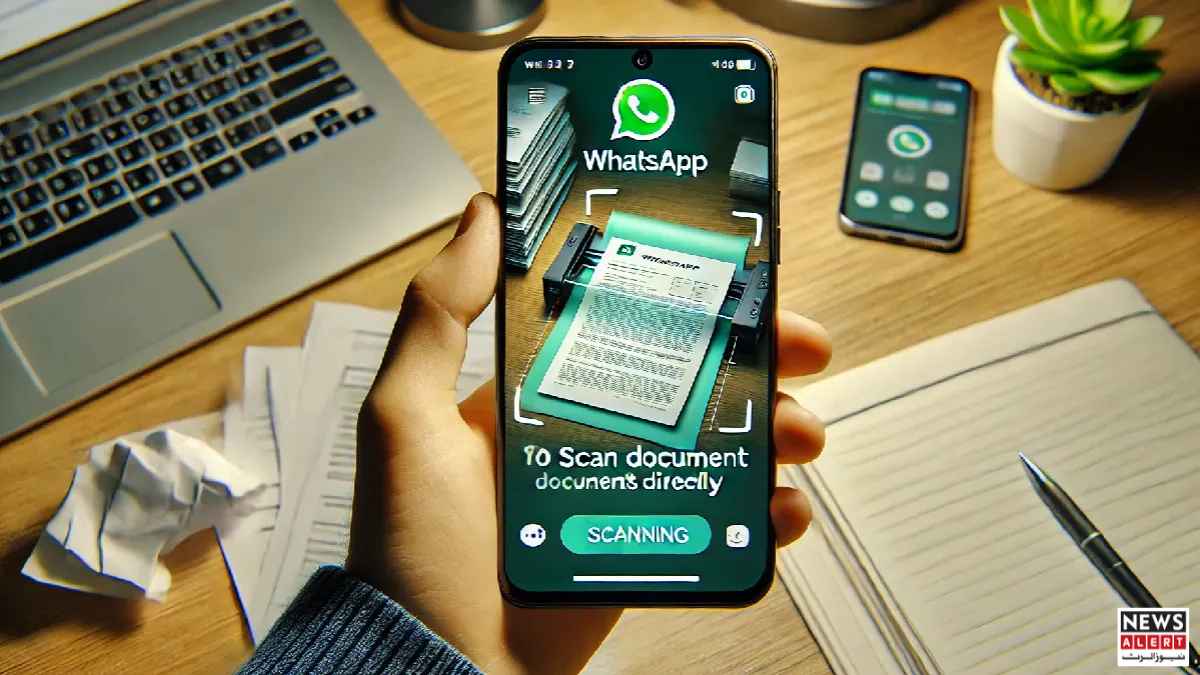
WhatsApp, the world’s most popular messaging platform, is used by billions daily to share messages, photos, videos, and documents. Over time, the app has continuously added features to make communication faster and more seamless. One such addition, previously exclusive to iOS users, is now available for Android: the ability to scan documents directly from the app and send them instantly.
Also Read: WhatsApp Introduces Instagram-Style Draft Feature for Status Updates
Simplifying Document Sharing
For Android users, sharing documents has historically involved multiple steps. Users often needed third-party scanning apps or had to take photos and edit them before sending. The new WhatsApp feature streamlines this process by integrating scanning directly into the document-sharing menu.
Now, Android users can open the document menu within any chat and select the Scan option. This activates the device’s camera, allowing users to capture high-quality scans without leaving WhatsApp. Once scanned, users can preview the document, make adjustments, and send it directly to individual or group chats.
Easy-to-Use Interface
The feature is designed for simplicity. After opening the document-sharing menu, users will find the scan option, usually listed third in the menu. Selecting it activates the camera, which automatically detects the edges of the document.
WhatsApp provides suggestions for margins and cropping, but users can manually adjust these settings for precision. Once satisfied with the scanned image, it can be sent immediately, eliminating the need for external apps or multiple steps.
This built-in scanner ensures that documents are clear and easy to read. It supports various types of files, including letters, receipts, forms, and other official papers, making it ideal for both personal and professional use.
Benefits for Android Users
The new scanning feature addresses a common challenge: quickly sharing documents in a readable format. Whether it’s sending a signed form to a colleague or sharing a bill with family members, the process is now faster and more convenient.
Previously, Android users had to rely on separate apps for scanning, which could be cumbersome and time-consuming. By integrating this feature into WhatsApp, the platform reduces friction and enhances usability.
Moreover, WhatsApp’s scanner ensures high-quality images that are easy to read, even on smaller screens. This is particularly useful in countries where digital documentation is increasingly replacing paper, and efficient sharing tools are essential.
Context and Usage
WhatsApp’s document scanning feature first appeared on iOS, where it quickly became popular. Its expansion to Android is a response to growing demand among the platform’s massive user base. Android dominates the global smartphone market, accounting for over 70% of devices worldwide, making this feature relevant to millions of users.
By integrating scanning directly into the chat interface, WhatsApp reinforces its role as a one-stop communication tool. Users no longer need to juggle multiple apps to share documents, improving efficiency in both personal and professional settings.
Looking Ahead
As digital communication continues to evolve, features like document scanning within messaging apps are likely to become standard. WhatsApp’s approach demonstrates how incremental updates can significantly improve user experience, especially for tasks like document sharing that were once cumbersome.
For Android users, this feature offers a quick, reliable, and convenient way to scan and send documents without leaving WhatsApp. It marks another step in the app’s ongoing effort to make messaging smarter, faster, and more versatile.