A New Approach to Morning Alarms
Many people have a morning routine that starts with hitting the snooze button multiple times before finally getting out of bed. Google is now addressing this common struggle with a new feature in its Google Clock app for Android devices.
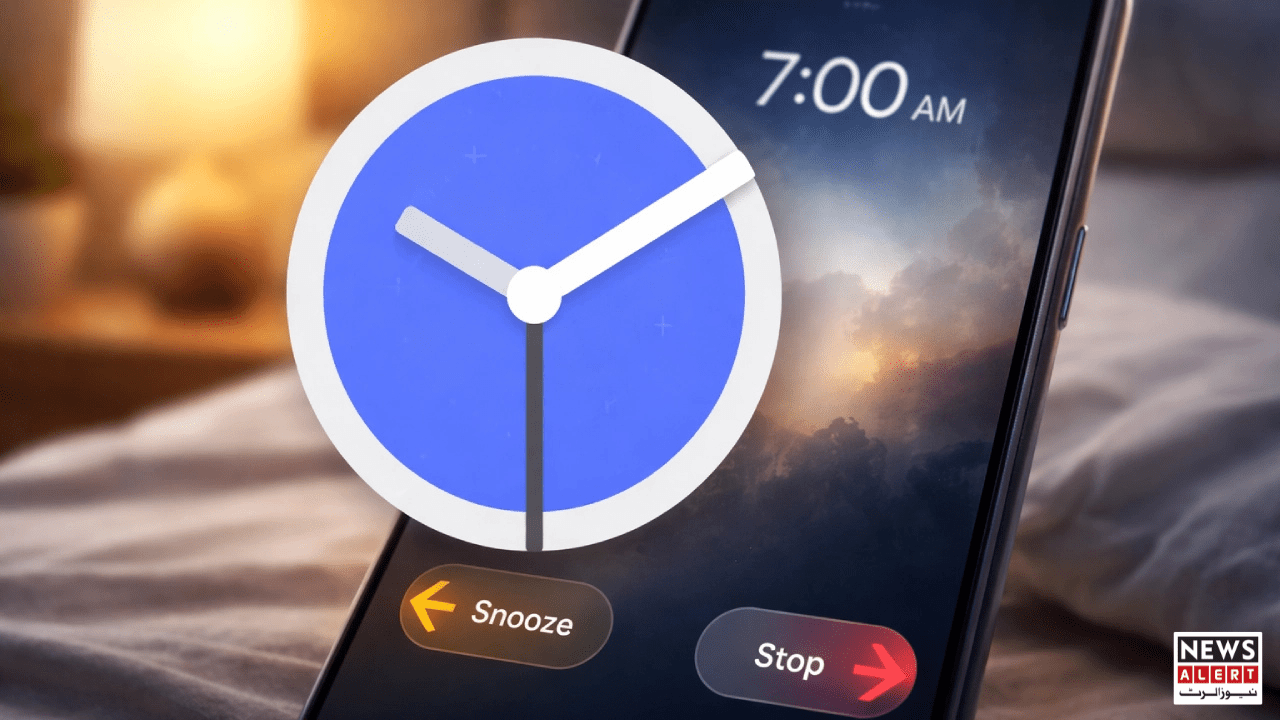
The update introduces a redesigned alarm dismissal system that makes it harder to simply turn off the alarm and fall back asleep. Instead of the familiar large snooze and stop buttons, users will now see a slider mechanism.
When the alarm rings, sliding to the left will pause it temporarily, while sliding to the right will turn it off completely. This design encourages users to make a more deliberate physical action, which in turn engages the brain and reduces the likelihood of immediately falling back asleep.
Why Sliding Beats Clicking
According to sleep and productivity experts, performing a small, intentional task like sliding a control can increase alertness. Pressing a button, in contrast, is often automatic, allowing the brain to remain in a drowsy state.
By requiring users to swipe in a specific direction, the new feature forces the mind to wake up slightly more during the action. This seemingly small change could make a significant difference for people who struggle with morning grogginess or repeatedly hitting snooze.
Optional Feature With Flexibility
The update is currently optional, according to a report by 9to5Google. Users who prefer the traditional button layout can continue using it. This means that if you are accustomed to tapping buttons and are confident it keeps you awake, you won’t be forced to switch.
To enable the new system, users need to go into the Google Clock app’s settings and select the Dismiss Alarm With Slider option. From there, they can choose their preferred method of turning off the alarm.
While the change may seem minor at first glance, it has the potential to improve morning routines for millions of users who struggle with oversleeping.
Gradual Rollout and Availability
Google is reportedly rolling out the feature gradually, meaning it may take some time before all users see it on their devices. The company often tests new features with limited audiences before a wider release, allowing them to refine the functionality based on user feedback.
The Broader Context
Oversleeping or repeatedly hitting the snooze button is a widespread issue. Studies suggest that excessive snoozing can disrupt sleep cycles, reduce overall alertness, and even affect productivity. For instance, research published in the Journal of Sleep Research indicates that fragmented sleep from interrupted alarms can lead to morning grogginess and lower cognitive performance.
Google’s update reflects a growing trend among technology companies to design tools that promote healthier routines. By leveraging small behavioral nudges-like requiring a swipe instead of a click—developers aim to subtly encourage better habits without imposing strict controls on users.
Conclusion
In essence, Google Clock’s slider feature offers a simple yet effective solution for anyone who struggles to wake up in the morning. It combines behavioral science with practical app design, giving users more control over their sleep patterns while reducing the temptation to oversleep.
For Android users who often find themselves falling back asleep after turning off the alarm, this update could prove to be a valuable addition to their morning routine. With a gradual rollout in progress, many may soon have the option to experience a more deliberate, brain-engaging way to start the day.